Core prototypes
These prototypes are not random demos. They explore how enterprise endpoints can
expose readiness, health, and operational state through lightweight browser-based tooling.
Primary
Client Readiness Dashboard
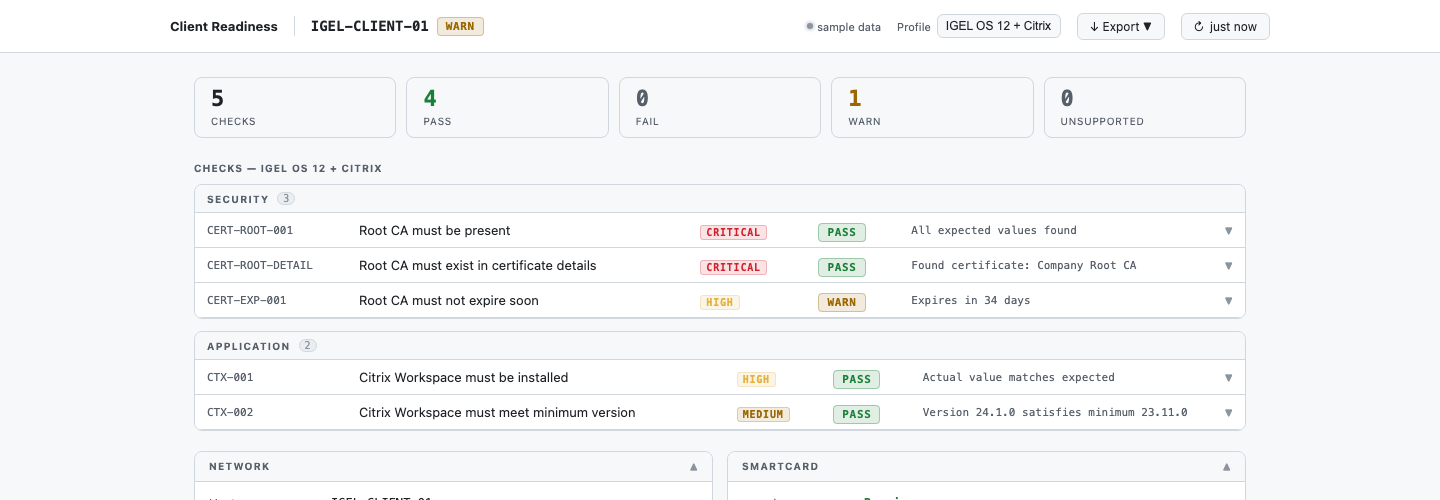
A readiness-focused interface for checking whether a client environment appears
prepared for expected enterprise usage patterns.
- Readiness and baseline thinking
- Client-side visibility before access
- Useful for managed endpoint scenarios
Optimizer
MQ Client Optimizer v1
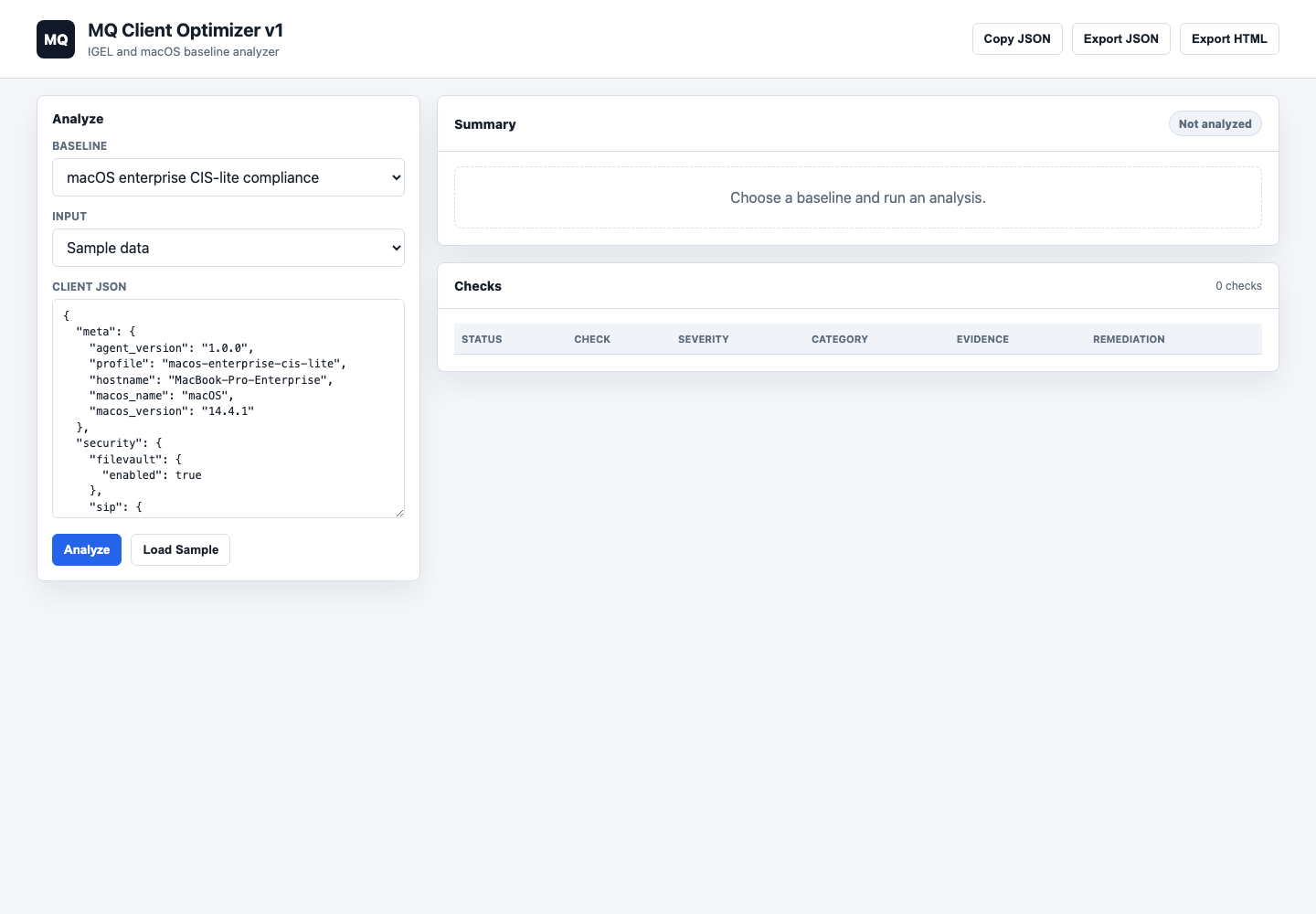
A browser-based analyzer for IGEL and macOS baselines, designed to share the
same baseline thinking as the command-line optimizer.
- IGEL OS 12 and macOS baselines
- Sample data, pasted JSON, or agent URL
- JSON and HTML report export
Operations
Fleet Command Center
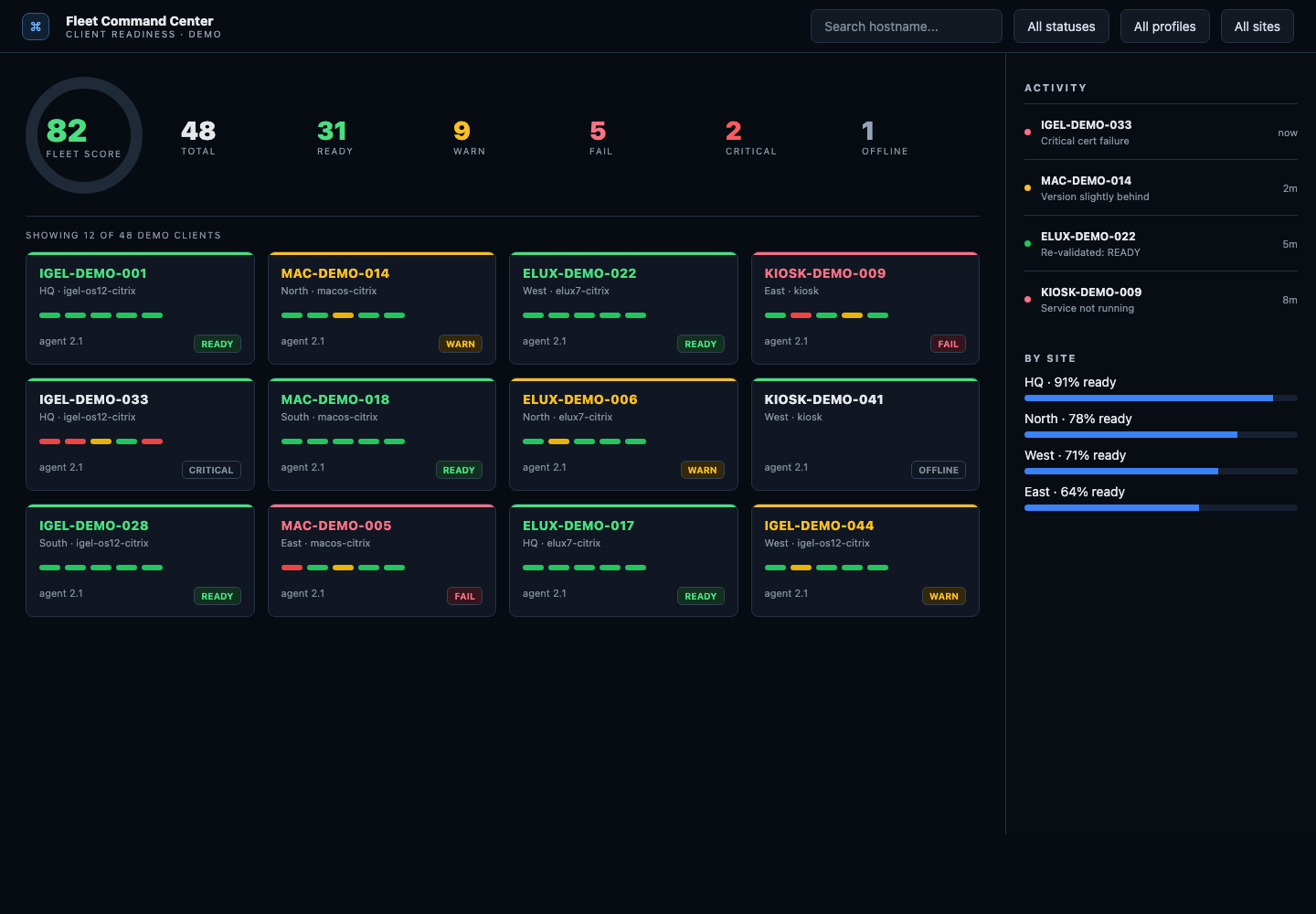
A concept for broader fleet-level visibility where multiple clients can be viewed
through a more operational, centralized lens.
- Multi-endpoint operational perspective
- Status-oriented design direction
- Supports scale thinking, not just single-client checks
Platform
macOS Enterprise Dashboard
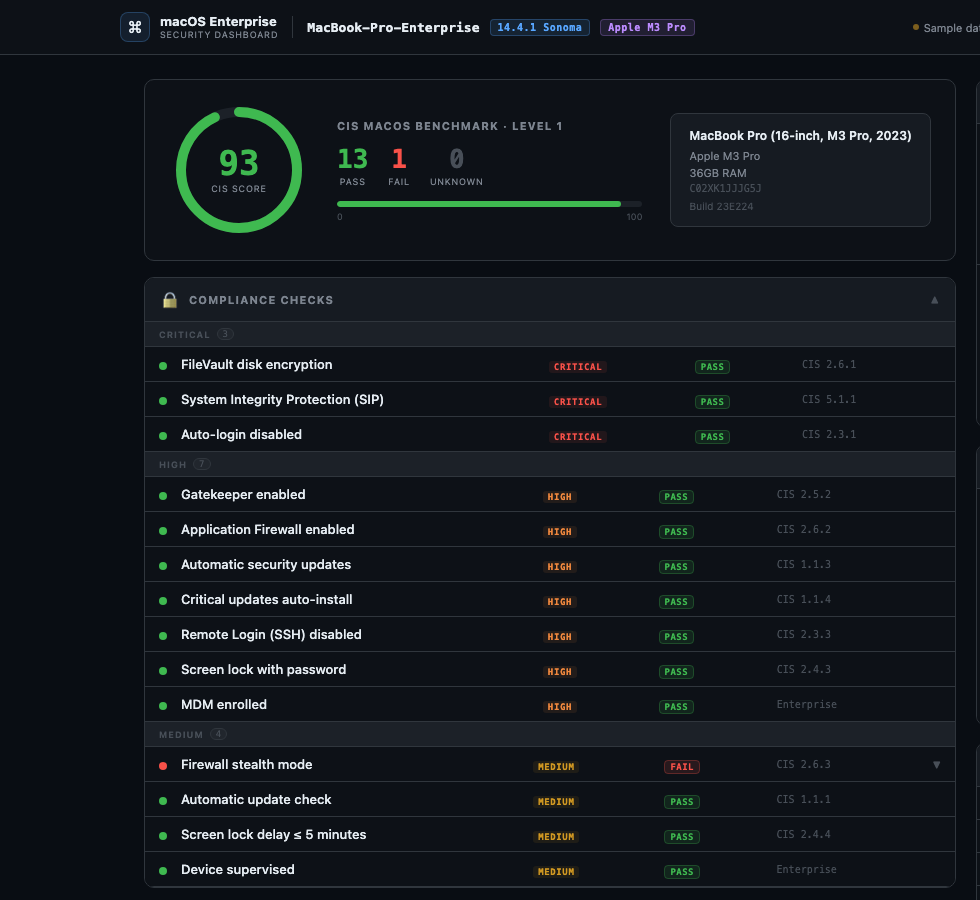
A prototype direction for enterprise macOS visibility, linking configuration,
posture, and operational control into one browser-based interface.
- Enterprise platform perspective
- Security and configuration visibility
- Supports cross-platform design thinking
Risk
Certificate Expiry Timeline
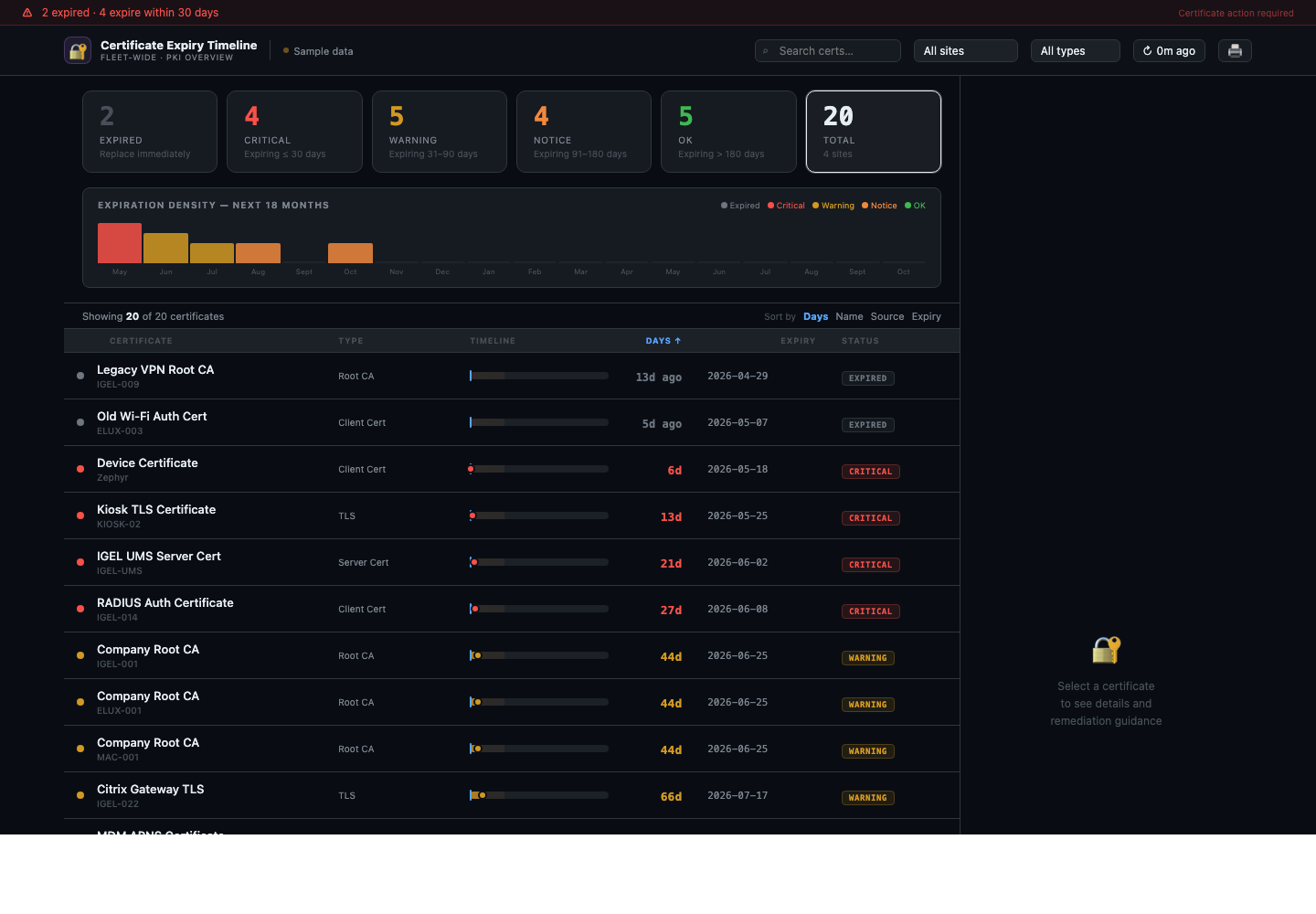
A timeline view for spotting certificate expiry risk across local macOS data
or fleet-level signals before renewals become urgent.
- Expiry-focused operational view
- Local and fleet data paths
- Useful for renewal planning and risk triage
Utility
MQ Asset Downloader
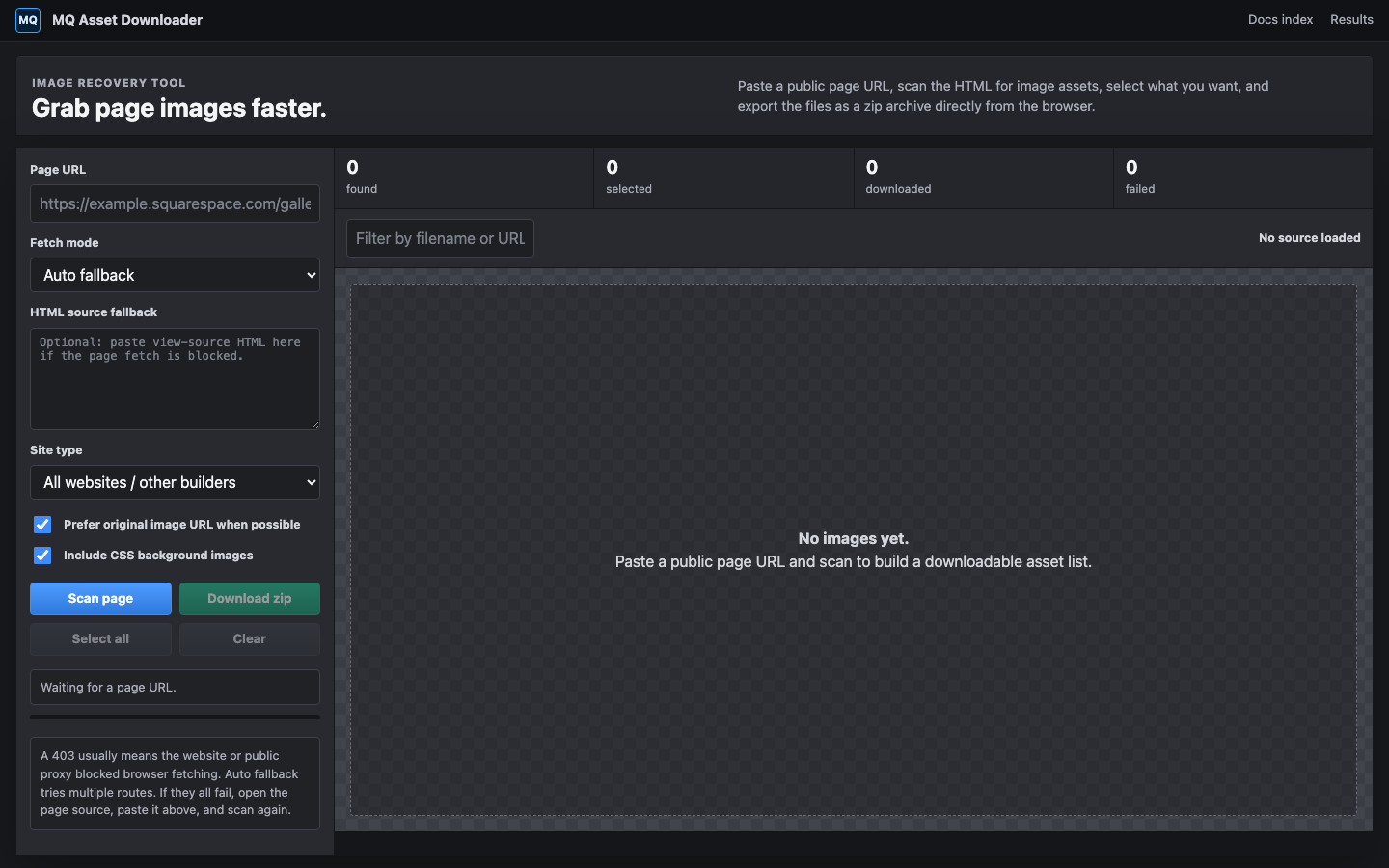
A Photoshop-inspired browser workspace for scanning a public page URL,
finding image assets, previewing them, and exporting selected files as a zip archive.
- Works across general websites and other builders
- Optional Squarespace-only asset filter
- Selectable asset grid with previews
- Zip export with a download manifest
Open demo →
Advisor
MQ Site Fix Advisor v1.1.0
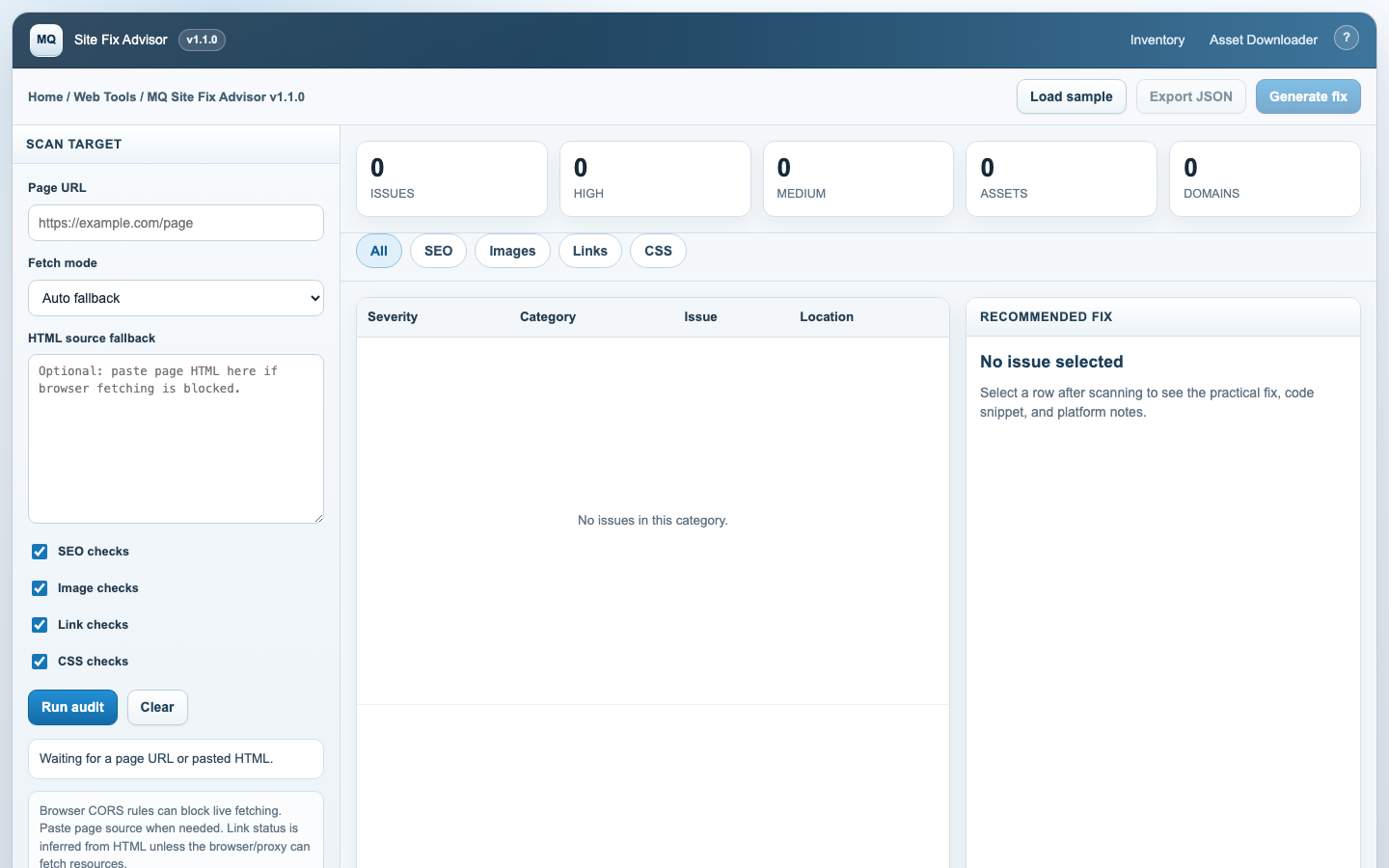
An older vSphere-inspired audit console for finding SEO, image,
link, and CSS issues, then showing practical fixes for each item.
- URL scan or pasted HTML fallback
- Severity-ranked issues with locations
- Concrete fix guidance and code snippets
- Auto-fix generator and exportable JSON report
Open demo →
Developer Tool
MQ Mirror — GUI→CLI Companion
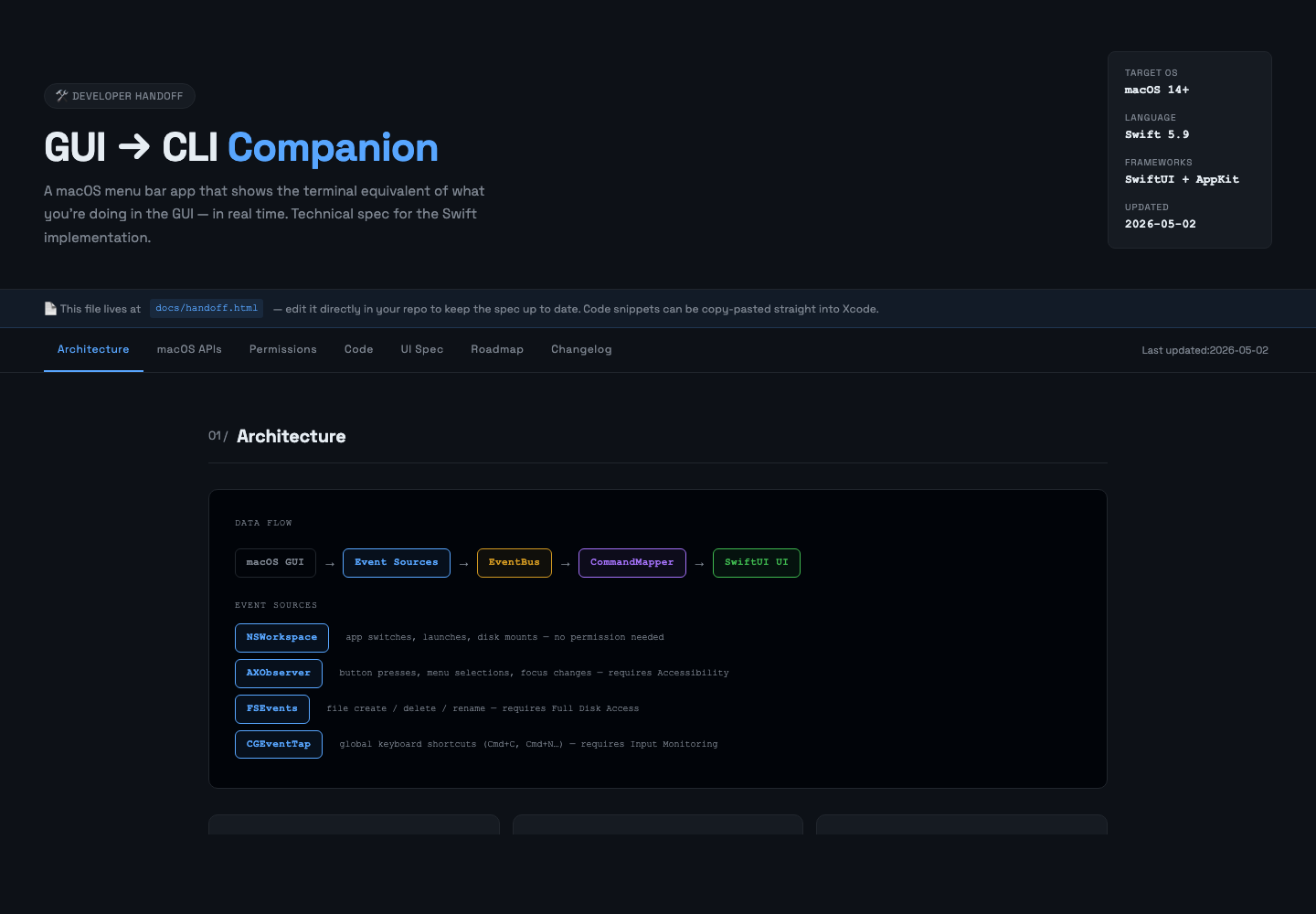
Watches your macOS GUI context in real-time and streams the
equivalent terminal commands to a local web page via SSE.
Useful for learning CLI workflows or documenting what you do.
- Live command cards — app, Finder, browser context
- Search, filter chips, pin commands, export as
.sh
- ▶ Run in Terminal.app, iTerm2, Warp, or Ghostty
- Command history persists across restarts
- Start with
./tools/mqmirror/start.sh
Report
MQ Fleet Report
Generates a client-ready compliance report from fleet JSON exports —
with narrative summary, trend comparison, and prioritised recommendations.
- Import JSON from Fleet Command Center or macOS agent
- Plain-language narrative, not just tables
- Trend line vs. previous report
- Recommendations with effort estimates
- Print-ready for client delivery
Open report →